Loading 3D model…
MICROTS ADAPTER
The console cable that is always with you, EDC format
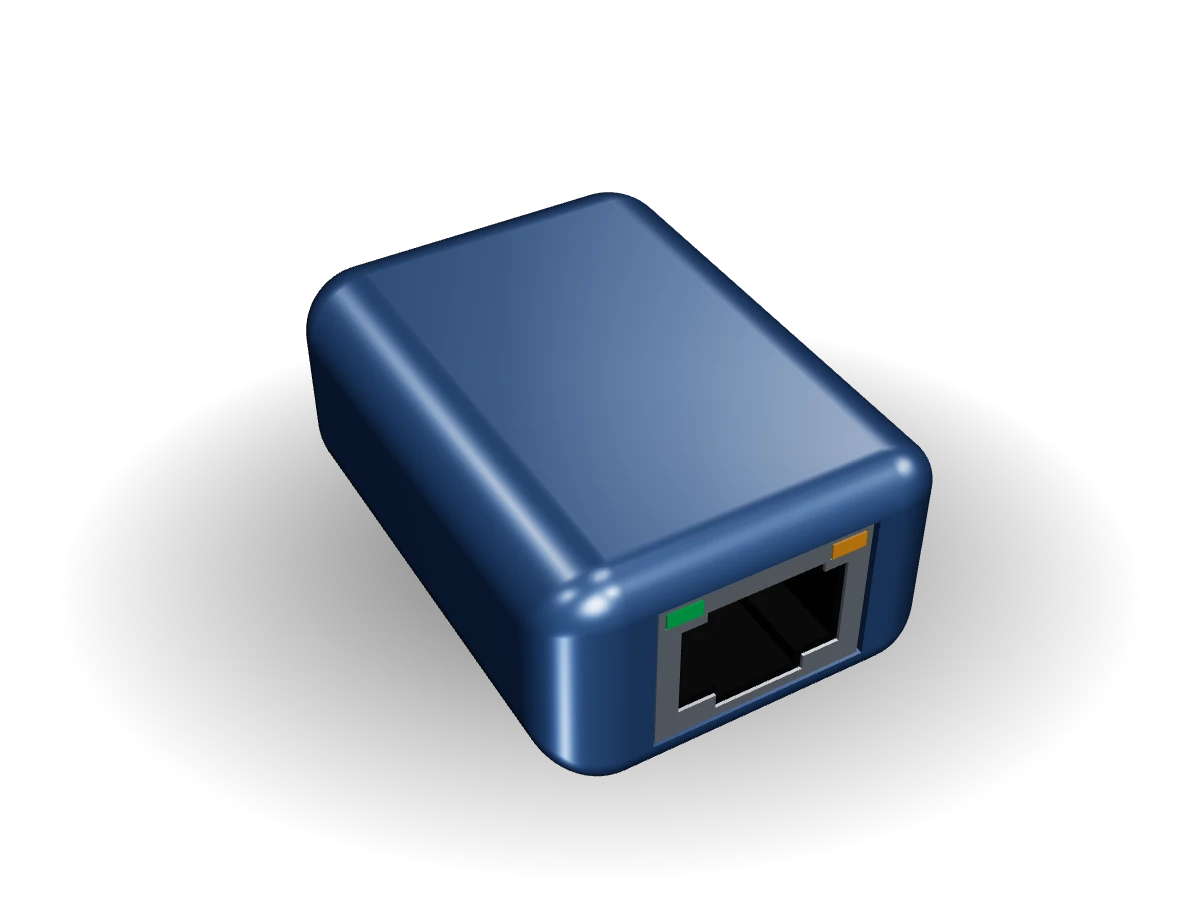
USB-C on one end, RJ45 on the other. Everything a classic console cable does, in an EDC format that fits in your palm.
FRONT · USB-C
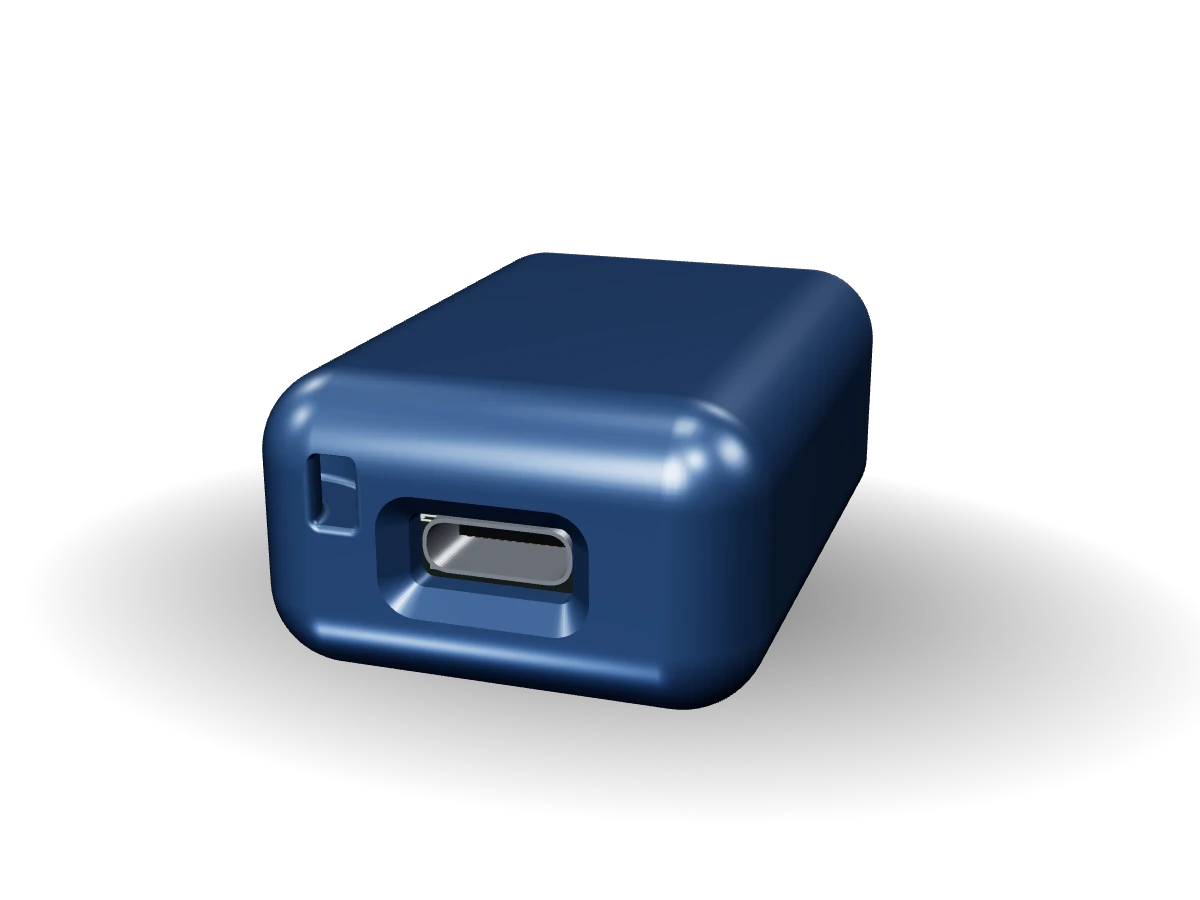
Plugs straight into your laptop
A standard USB-C port lets you connect to any laptop with a regular USB-C to USB-C cable — the same kind you use to charge your phone.
INSIDE
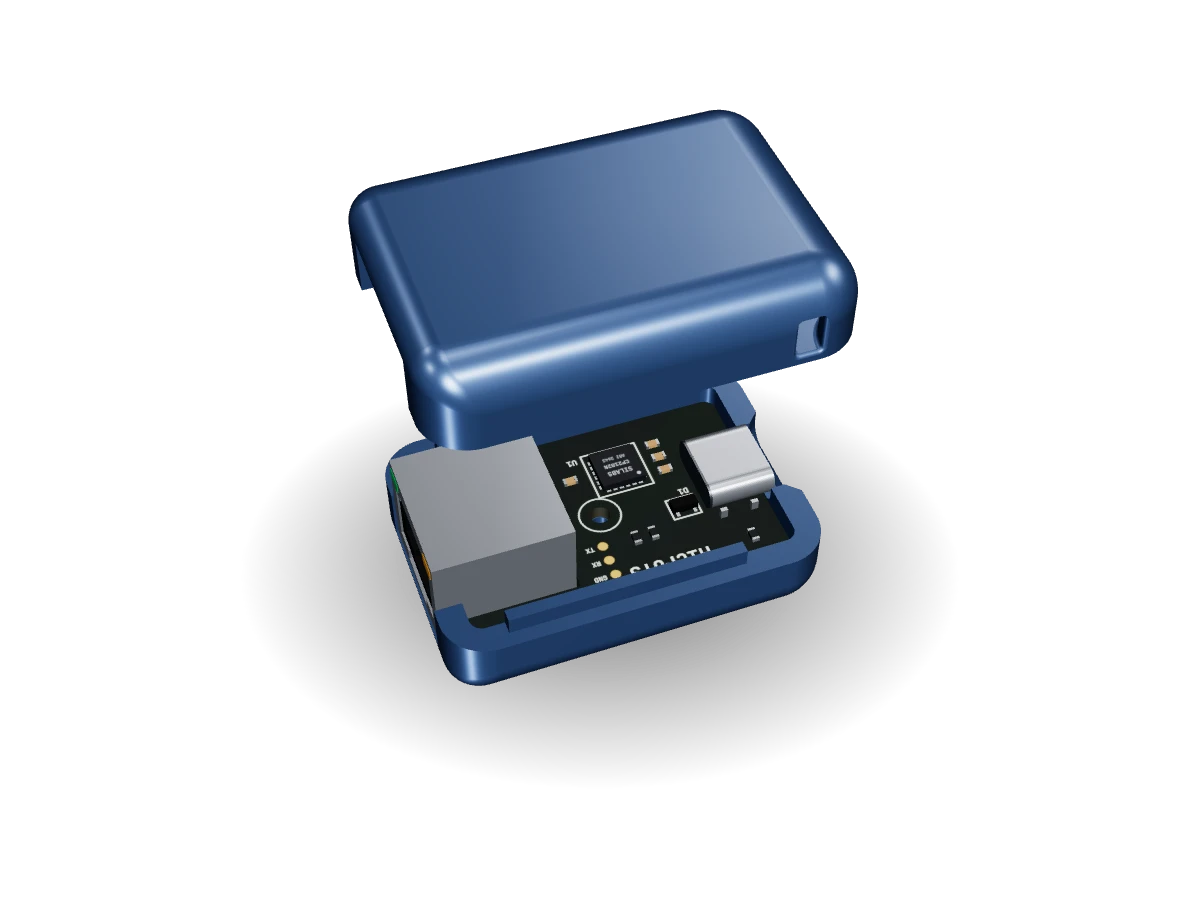
Silicon Labs CP210x at the core
A well-known chip trusted on Windows, macOS and Linux. It handles every console speed, from 300 baud up to 3 Mbps.
BACK · RJ45
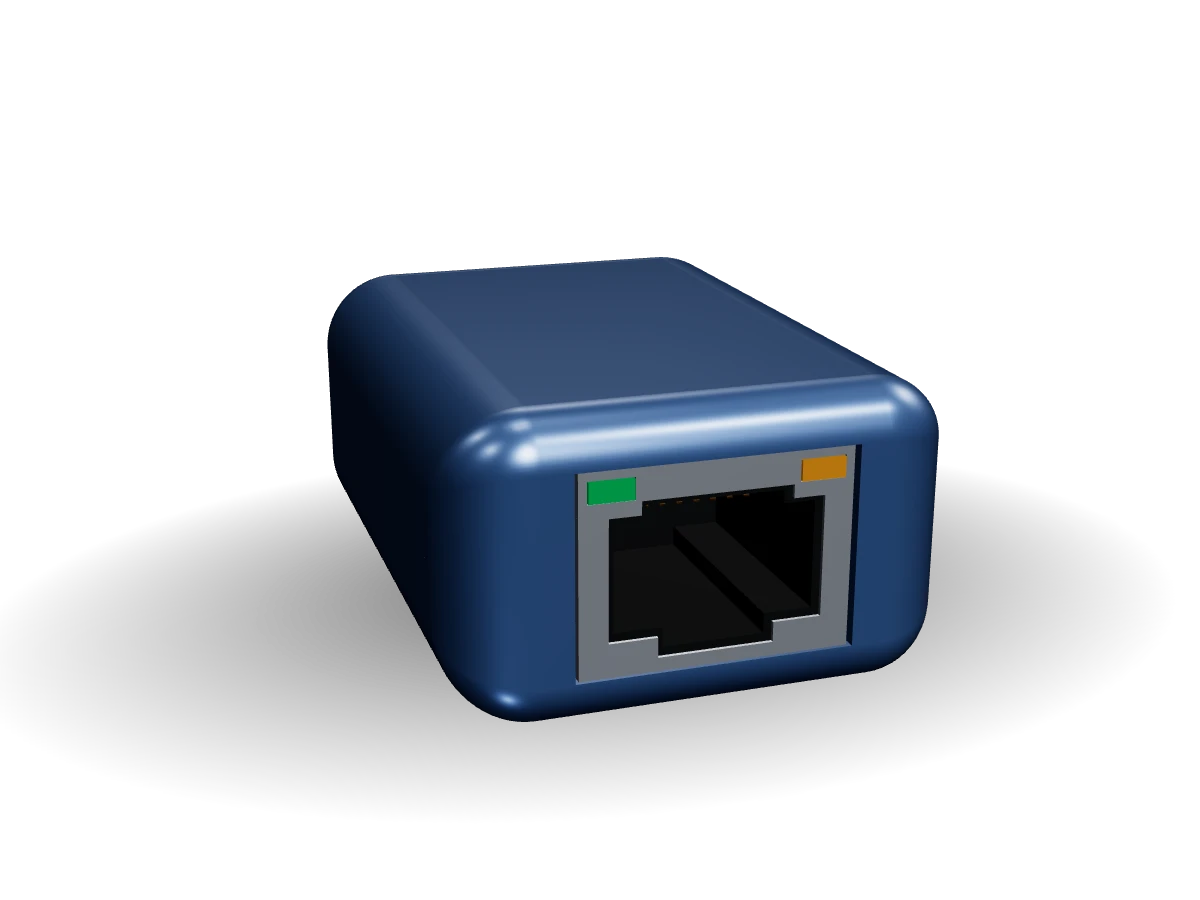
Connect to any Cisco-style RJ45 console port
An RJ45 jack lets you use any standard Ethernet patch cable, up to 100 m (328 ft) from your laptop. The green and amber lights flash with receive and transmit data, so you know console traffic is passing through.
CONNECT
Plug in. Open a terminal. You’re on the console.
- USB-C into your laptop
- Any Ethernet cable into the device’s console port
- Open PuTTY, SecureCRT or screen at 9600 8N1
$ 24.99Pre-order
SCROLL ↓