Loading 3D model…
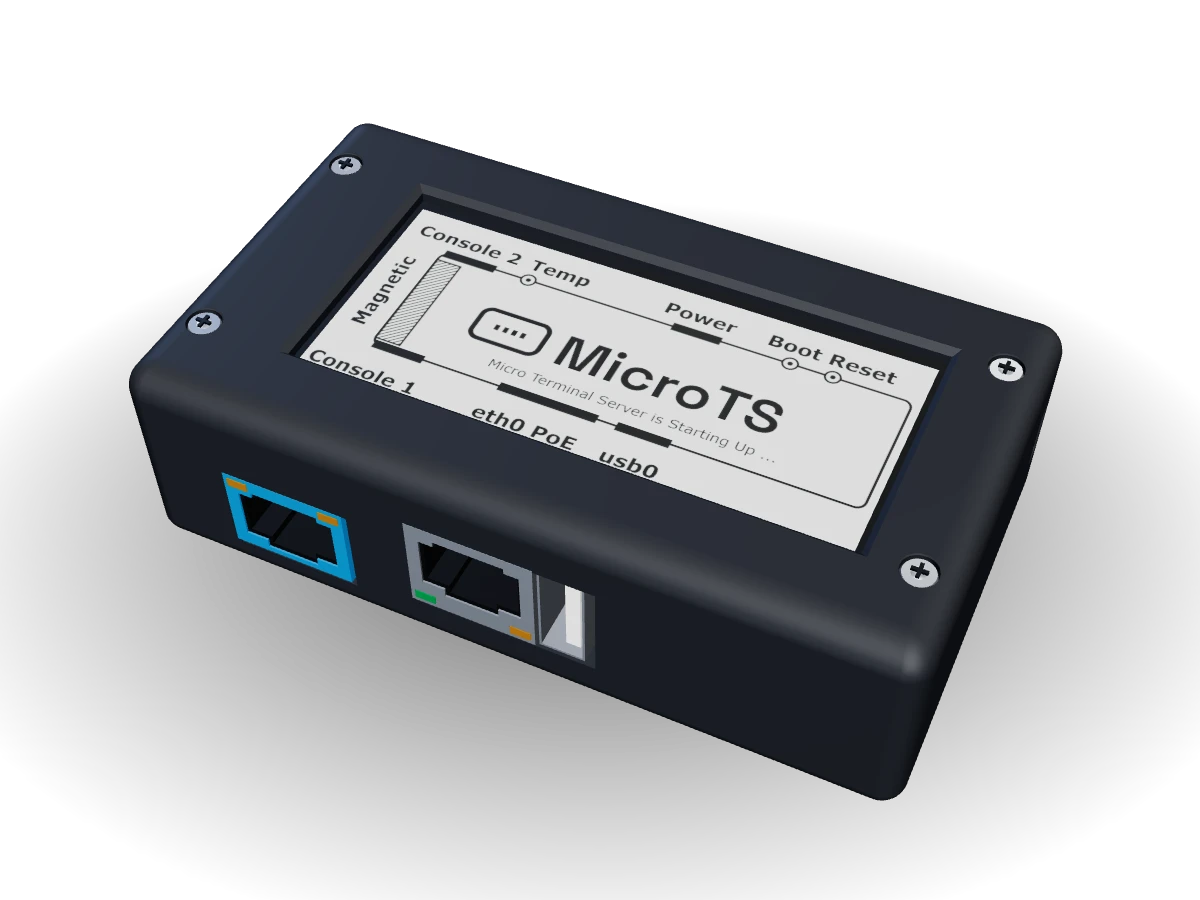
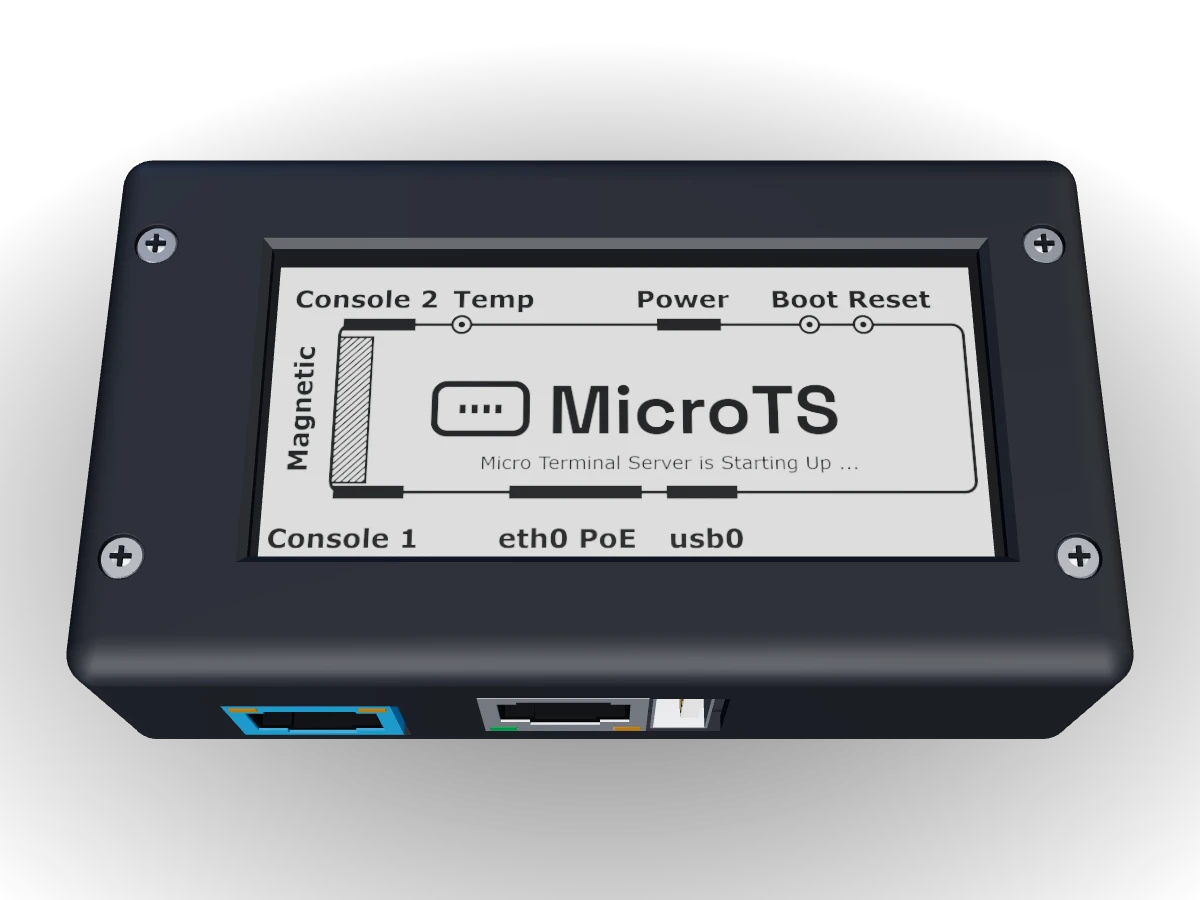
TOP · E-PAPER DISPLAY
Every port, labelled on the device itself
The built-in e-paper screen maps each port around the case and shows the device status at boot. It stays readable in any light, even with the power off.
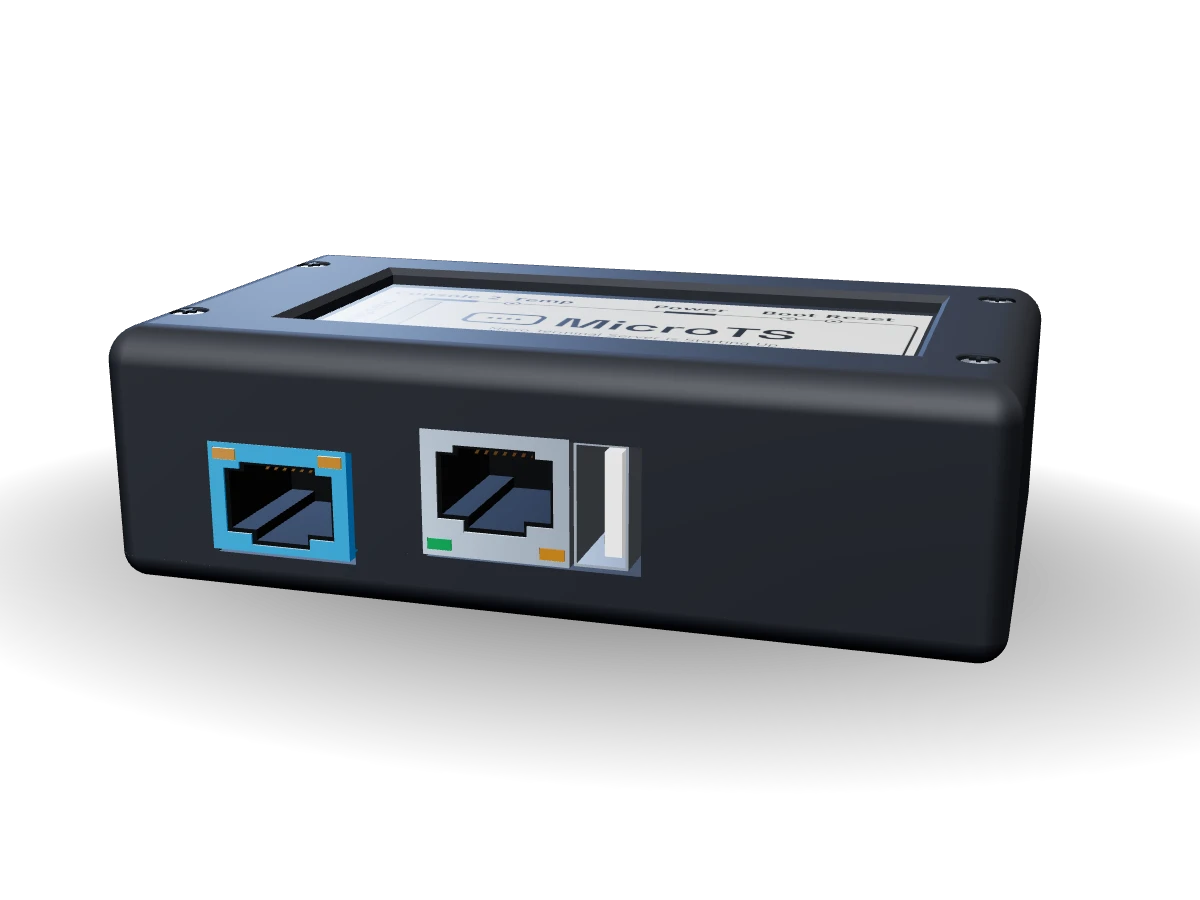
FRONT · CONSOLE 1 · ETH0 · USB0
Console 1 and the network side
Console port 1 sits next to the Fast Ethernet port, which can also power the whole unit over PoE. The USB port takes the optional LTE dongle for a second way in.
LEFT · MAGNETIC FACE
Mounts almost anywhere
The magnetic face holds it to a rack, a cabinet door or a switch chassis, so it doesn't take up 1U of rack space. The vents keep it cool.
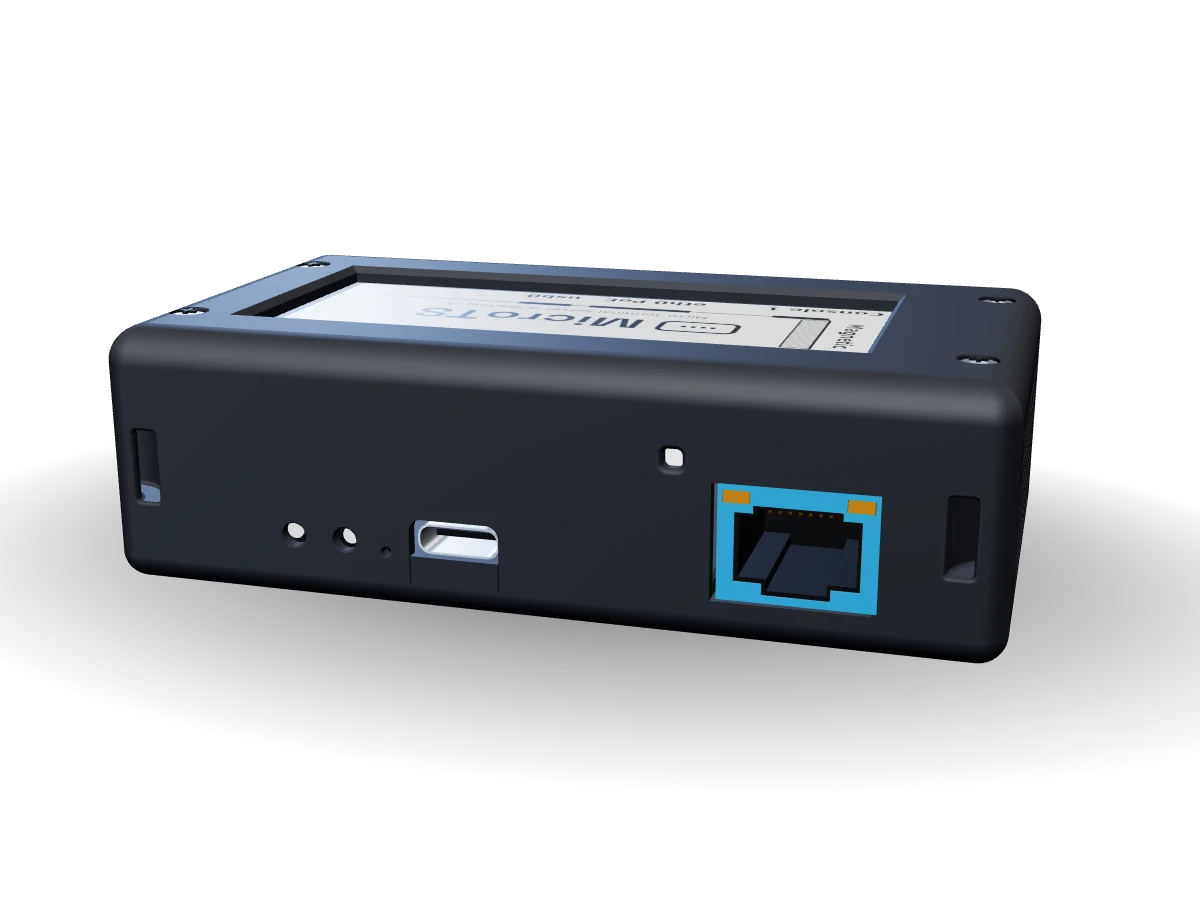
BACK · CONSOLE 2 · TEMP · POWER · BOOT · RESET
A second console, power and recovery
Console port 2 covers a second device. A temperature sensor behind the small round hole tells you how warm the air around the rack is. USB-C powers it when PoE isn't available, and the Boot and Reset buttons are there for recovery.
MICROTS TERMINAL SERVER
SSH in. Pick a port. You’re on the console.
- Power it over PoE or USB-C
- Cable consoles 1 and 2 to your devices
- SSH in or open the web console
$ 249.99Pre-order
SCROLL ↓